Dispensing & Verification
A counter-first workstation that turns prescriptions into verified, labelled, and billed dispenses - with permanent script numbers, clinical safety cues, and a clear path from Save to Collect or POS.

Quick Dispense workflow
Select till and currency, then search or register the patient. Allergies, chronic notes, and medical-aid membership appear before medicines are added. Choose a doctor or referrer from the local register or MDPCZ public directory. Add line items with product search, quantity, price, dosage cypher (BD, TDS, and more), dose, days supply, auto-expanded directions, and optional refill schedules.
Attach the doctor’s script as a photo or PDF - including in-browser camera capture - so the paper trail stays with the digital record. Keyboard shortcuts keep high-volume counters moving: save, verify, and collect without leaving the workstation.
Pharmacist verification and labels
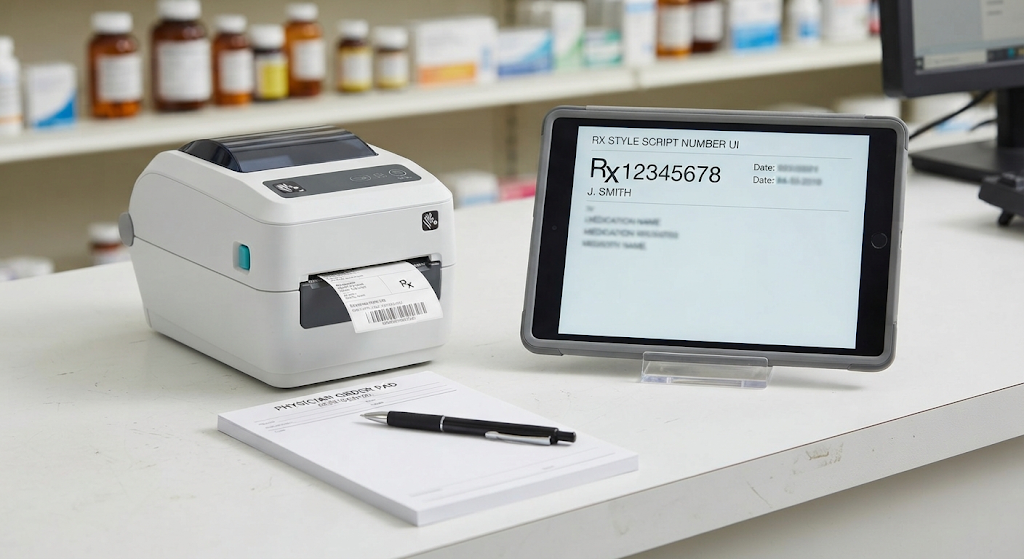
Status advances Dispensed → Verified → Collected (or Awaiting POS for shortfalls). Verification is a deliberate pharmacist step, not an afterthought. Print medicine labels with dosage text derived from cyphers, and generate dispense PDFs for patient or audit packs.
Hold, cancel, or return paths keep exception handling inside the same document - protecting stock accuracy and the audit trail when a script cannot leave the counter.
Payment without a second system
Collect cash, card, or medical aid at the pharmacy workstation, or send unpaid
shortfalls to POS. Dispenses are invoice documents with real RX- numbers
assigned at create time - status changes never mint a temporary ID that confuses
patients or staff at pickup.
Dispensing records provide searchable history with print-label and print-PDF actions for every completed script, supporting both retail counters and hospital dispensaries.